How to Reduce Medicare Appointment No-Shows by 30%
A no-show isn't just a wasted hour. It's the $35 in ad spend that produced that lead, the 30 to 60 minutes of setter time to book the call, and a blocked calendar slot that could have gone to a prospect who showed. One no-show costs most agents $75 to $150. A 40% no-show rate is a slow leak that compounds every week.
Why Medicare Appointment No-Shows Are High
The average Medicare appointment no-show rate runs 25 to 40% for agents not running a confirmation system. It's not because prospects don't care. It's because life happens — and you didn't stay top of mind between booking and the call.
A prospect books on Tuesday for Thursday. By Thursday, they've received 4 more mailers, a robocall, and a carrier email. Without a reminder from you, the appointment gets deprioritized.
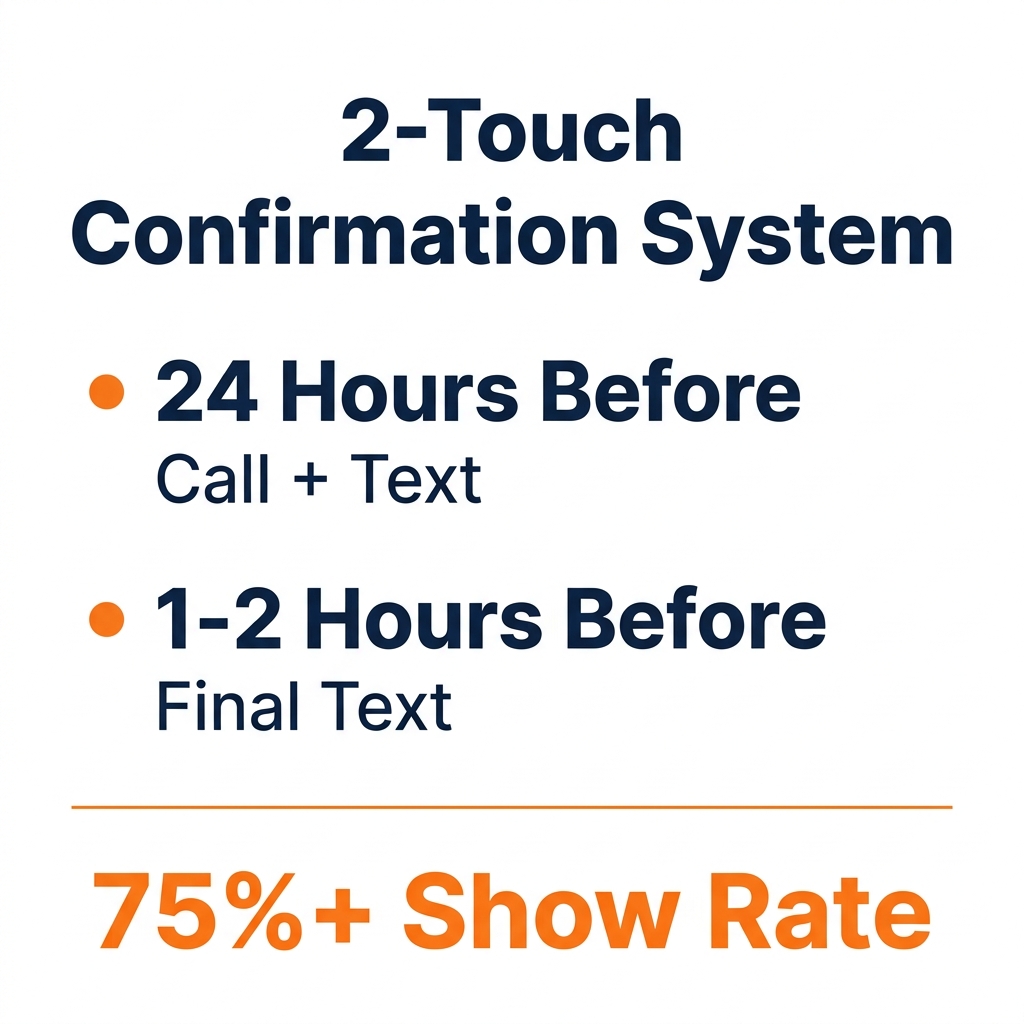
The fix is a two-touch confirmation system. It's not complicated. It just has to be systematic.
The Two-Touch System That Keeps Show Rates Above 75%
Touch 1: 24 hours before the appointment
Call first. If you reach them: "Hey [First Name], just calling to confirm our appointment tomorrow at [time]. You're all set — I'll call you at [phone number]. Any questions before we talk?"
If no answer, leave a voicemail and immediately follow with a text: "Hi [First Name] — confirming your appointment tomorrow at [time]. Reply YES to confirm or text me to reschedule."
Touch 2: 1 to 2 hours before the appointment
Short text only: "Hey [First Name] — see you in an hour! I'll call at [time]. Looking forward to it."
This second touch alone drops no-show rates by 15 to 20%.
The 4-Step No-Show Recovery Sequence
- 5 minutes after the missed appointment: Call immediately. Short, no blame.
- Same day — text: "No worries if today didn't work — I have openings this week."
- Same day — second-chance offer: Offer a same-day slot if you have availability.
- Next day — final attempt: One more warm text or call.
Four touches — done systematically — recover 1 in 4 no-shows. At 20 appointments/month with a 30% no-show rate, recovering 2 of 6 no-shows means 2 more clients per month from the same lead spend.
Automate All of It
This system only works consistently if it runs automatically. Manual follow-up gets dropped the moment you get busy. GHL handles both the confirmation sequence and the no-show recovery through automated workflows — no manual work required.
The SOA Touch That Helps More Than You Think
CMS requires a Scope of Appointment 48 hours before any Medicare plan discussion. Sending the SOA form early creates an additional touchpoint and re-engagement moment. Prospects who sign an SOA before the appointment are primed to show.
Your No-Show Rate Is Telling You Something
If your no-show rate is above 30%, the issue isn't usually the leads. It's the follow-up between booking and the call. Fix the system and the rate drops — without spending another dollar on leads.
Want to see what a real Medicare appointment pipeline looks like?
Book a free 20-minute strategy call. We'll look at your current lead flow, show you what we'd change, and give you a realistic picture of what consistent appointments could look like for your market — no pitch, no obligation.
[Book Your Free Strategy Call →]
Frequently Asked Questions
Q: What is a good Medicare appointment show rate? A: A well-run pipeline with a two-touch confirmation system should achieve 70 to 80%. Without a confirmation system, most agents see 50 to 60%. Below 50% usually indicates either a weak lead source or no confirmation system.
Q: When should I send the appointment reminder text? A: First reminder 24 hours before — ideally late morning or early afternoon. Second reminder 1 to 2 hours before. Both should be under 30 words.
Q: How many times should I try to recover a Medicare no-show? A: Four touches over 24 hours. After that, move them to a long-term nurture sequence rather than continuing to pursue.
Q: Can I automate Medicare appointment confirmations? A: Yes. GHL automates the full two-touch confirmation and no-show recovery workflow. When an appointment is booked, reminders fire automatically. When marked no-show, recovery texts trigger without manual intervention.