
GHL for Medicare Agents: What the Setup Actually Looks Like
# GHL for Medicare Agents: What the Setup Actually Looks Like
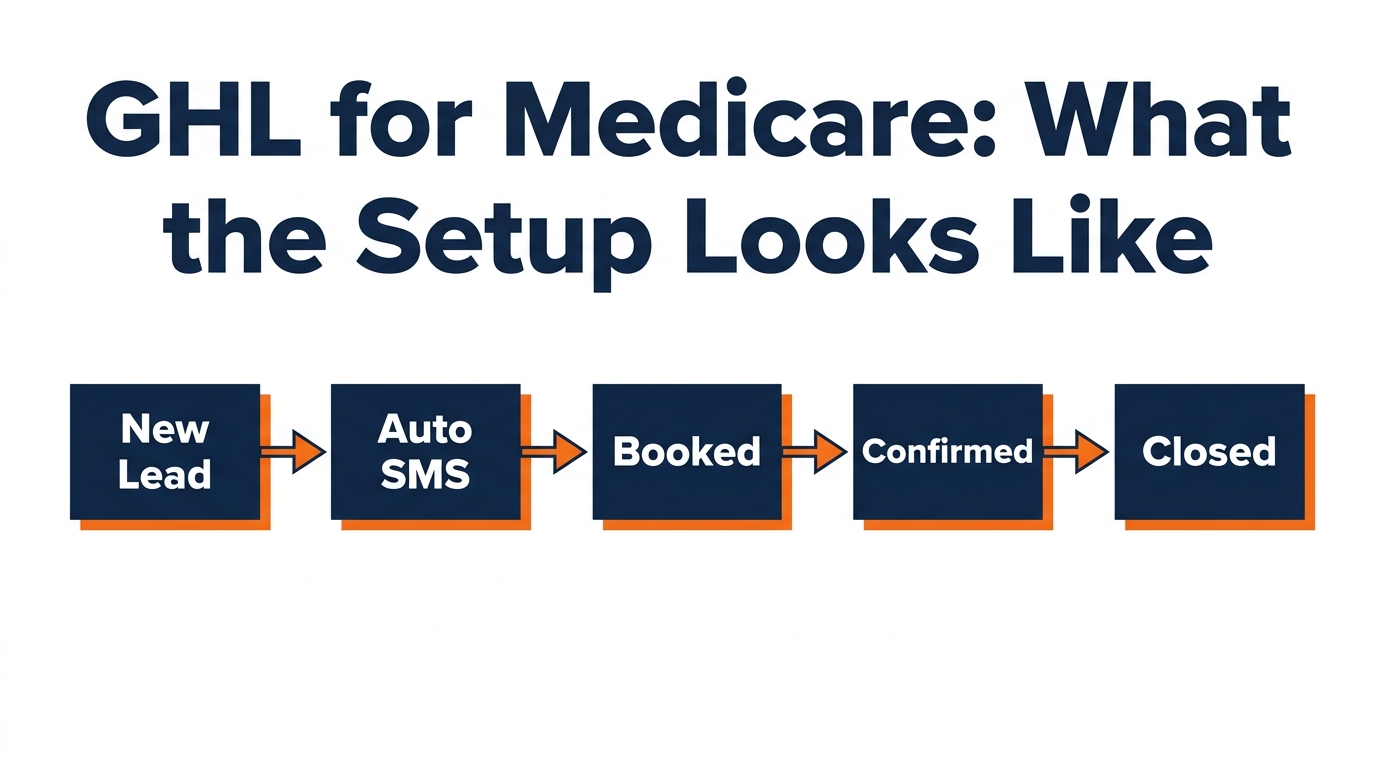
Most Medicare agents are using their CRM as a contact list. That's not a CRM — that's a spreadsheet with extra steps. GoHighLevel, set up the right way, runs your follow-up, confirms your appointments, and recovers no-shows automatically. Here's what the actual setup looks like.
Why Most Agents Use Their CRM Wrong
A CRM stores contacts. An automated CRM works those contacts — without you touching it. The gap between those two things is where most Medicare agents leak income.
A lead comes in at 9pm. Without automation, it sits until morning. By then, three other agents have already called. The lead is cold before you even know it arrived.
GoHighLevel fixes this by triggering instant outreach the moment a lead opts in — regardless of the time.
The Pipeline Stages That Actually Work
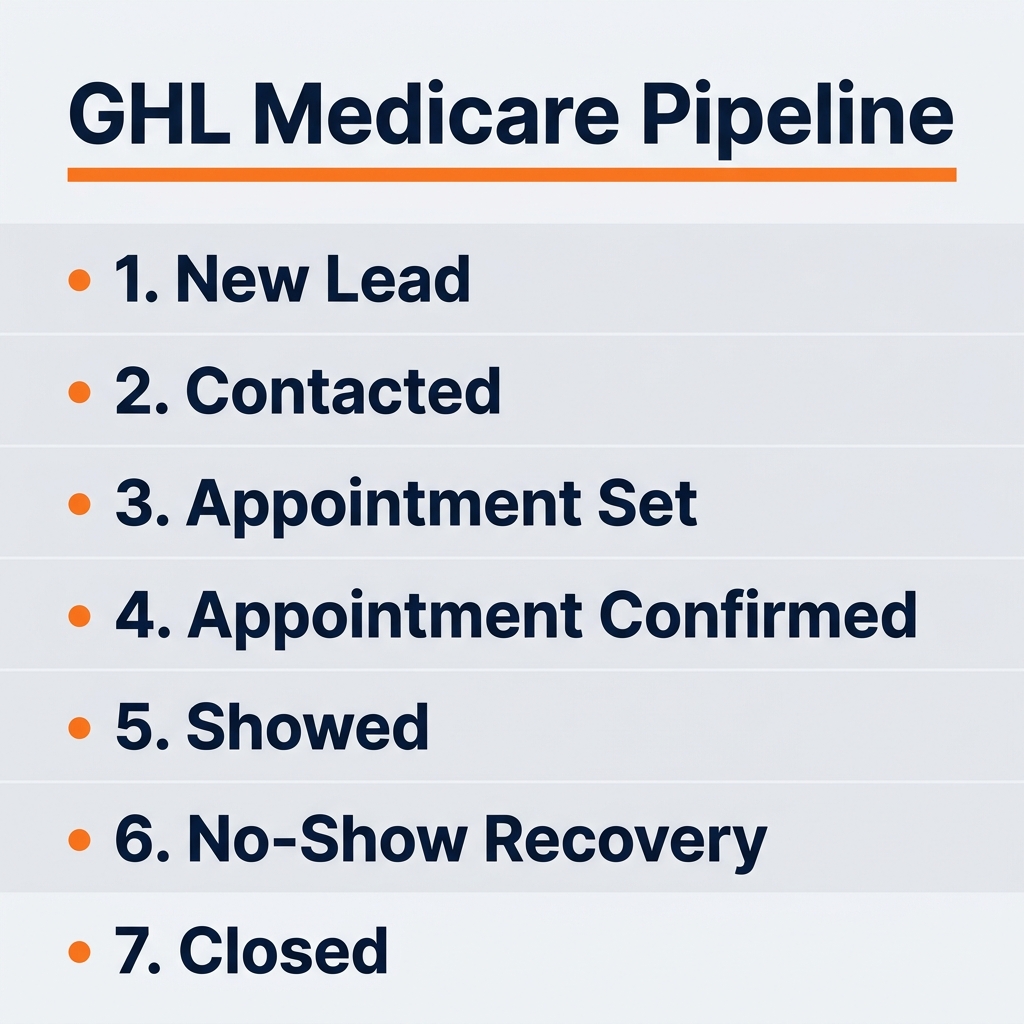
The GHL pipeline for Medicare agents should have exactly these stages:
- New Lead — just opted in, automation triggered
- Contacted — spoke with the lead, qualifying conversation happened
- Appointment Set — booked on the calendar
- Appointment Confirmed — confirmed via 24hr + 1hr touch
- Showed — attended the call
- No-Show Recovery — missed, now in 4-step recovery sequence
- Closed / Won — enrolled
- Closed / Lost — not ready, return to nurture
Every lead moves through these stages. Nothing falls through a crack because every stage has an automated action tied to it.
The 5 Automations Every Medicare Agent Needs
- Instant lead response — SMS + email within 5 minutes of opt-in.
- Appointment confirmation sequence — automatic SMS + email when a lead books.
- 24-hour pre-appointment reminder — text and email the day before.
- 1-hour pre-appointment text — short, friendly, keeps the appointment top of mind.
- No-show recovery sequence — 4-step system that recovers 20 to 30% of no-shows.
These five automations run whether you're on a call, at dinner, or asleep.
Custom Fields That Matter for Medicare
- Date of birth (calculates IEP eligibility automatically)
- Current coverage type (MA, Med Supp, PDP, uninsured)
- Carrier (for renewal tracking)
- Preferred call time
- Cross-sell status (FE discussed, dental discussed)
- AOR (Agent of Record) status
HIPAA and Compliance Notes
GHL offers HIPAA-compliant configuration options. SOA delivery via digital form — signed and stored in the contact record — is a common and compliant use case. Do not store Protected Health Information unless a BAA is in place.
What the Setup Actually Takes
A properly configured GHL account for Medicare takes about 8 to 12 hours to build from scratch. Most agents either skip it or do it halfway. The ones who build it right stop losing leads to slow follow-up and no-shows.
Want to see what a real Medicare appointment pipeline looks like?
Book a free 20-minute strategy call. We'll look at your current lead flow, show you what we'd change, and give you a realistic picture of what consistent appointments could look like for your market — no pitch, no obligation.
[Book Your Free Strategy Call →]
Frequently Asked Questions
Q: Is GoHighLevel good for Medicare agents? A: Yes — GHL is one of the best CRM platforms for Medicare agents because it combines pipeline management, SMS/email automation, calendar booking, and funnel building in one place.
Q: How much does GoHighLevel cost for insurance agents? A: GHL runs $97/month for the basic plan and $297/month for the agency plan. For a Medicare agent running a real pipeline, the $97 plan is sufficient to start.
Q: Does GoHighLevel integrate with Medicare lead sources? A: Yes. GHL integrates with Meta Lead Ads via webhook or Zapier, allowing new leads to flow directly into your pipeline and trigger automations instantly.
Q: Is GoHighLevel HIPAA compliant? A: GHL offers HIPAA-compliant configuration options including Business Associate Agreements. Medicare agents should enable HIPAA mode and avoid storing Protected Health Information unless the BAA is in place.